Our Blogs

How to install Android Studio on windows
Publish Date: July, 09-2019
3. Installing the Android SDK Launch Android Studio => do not import previous settings => "next" => "Install Type", choose "Standard" (default) => "Select UI Theme", select "IntelliJ" (default) => the SDK folder, by default @ c:UsersusernameAppDataLocalAndroidSdk => Finish. For the better understanding follow the screenshots
Categories :-
Business Services and Certifications
Bulk WhatsApp Marketing Services
Social Media Marketing Services
Recent Post :-

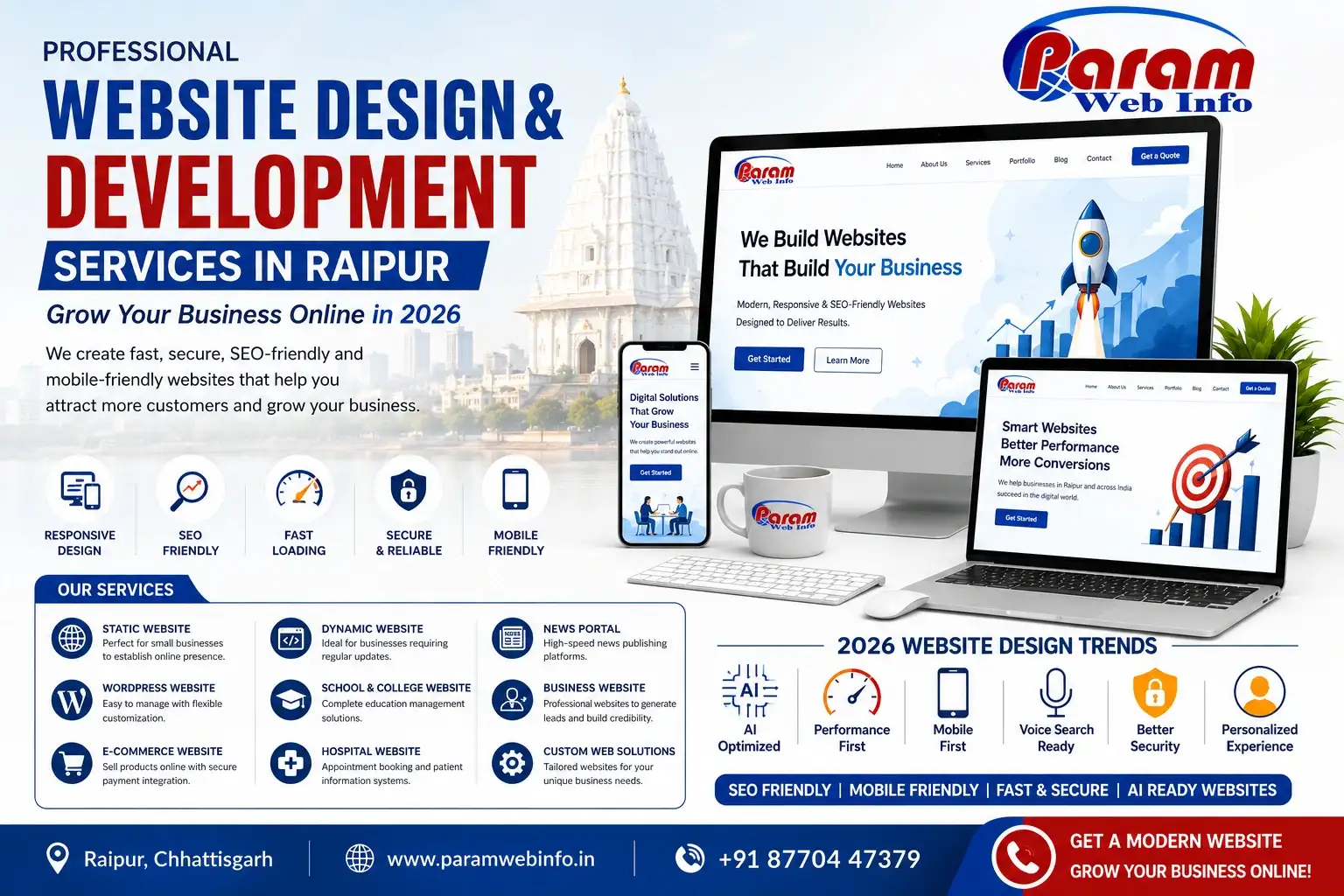
Website Design and Development Services in Raipur Grow Your Business Online in 2026
Web Development Services
Publish Date: July, 30-2026

Grow your business with YouTube Promotion Services in Raipur by Paramwebinfo
YouTube Marketing Services
Publish Date: July, 28-2026

Why Your Business Needs Custom Web Application Development Services in 2026
Web Development
Publish Date: July, 22-2026


Help Customers Find Your Business Online with Paramwebinfo Raipur
Digital Marketing
Publish Date: July, 06-2026

YouTube Marketing vs Facebook Marketing Which is Better
Social Media Marketing Services
Publish Date: July, 03-2026

E-Commerce Website Development Trends You Should Know in 2026
E-Commerce Websites
Publish Date: July, 01-2026