Our Blogs

When developing a WordPress website there are several core features and best practices to consider
Website Development
Publish Date: May, 20-2024
When developing a WordPress website, there are several core features and best practices to consider to ensure a robust, user-friendly, and secure website. Here are the key features:
1. User-Friendly Navigation
- Custom Menus: Easily create and manage menus.
- Breadcrumbs: Enhance navigation with breadcrumb trails.
- Search Functionality: Utilize built-in or enhanced search features.
2. Responsive Design
- Mobile-Friendly Themes: Choose themes that are responsive out-of-the-box.
- Responsive Plugins: Ensure plugins and widgets are mobile-compatible.
3. Performance Optimization
- Caching Plugins: Use plugins like W3 Total Cache or WP Super Cache.
- Image Optimization: Utilize plugins like Smush or ShortPixel.
- Minification: Minify CSS, JavaScript, and HTML using plugins like Autoptimize.
4. Content Management System (CMS)
- Gutenberg Editor: Use the block editor for easy content creation.
- Custom Post Types: Create custom post types for different content needs.
- Media Library: Efficiently manage images, videos, and other media.
5. Security Features
- Security Plugins: Install plugins like Wordfence or Sucuri for enhanced security.
- Regular Updates: Keep WordPress core, themes, and plugins updated.
- SSL Certificate: Ensure your site has an SSL certificate for HTTPS.
6. SEO Optimization
- SEO Plugins: Use plugins like Yoast SEO or All in One SEO Pack.
- XML Sitemaps: Automatically generate sitemaps with SEO plugins.
- Clean Permalinks: Set up SEO-friendly URLs.
7. Analytics and Reporting
- Google Analytics Integration: Track website performance with plugins like MonsterInsights.
- Dashboard Widgets: View analytics directly from the WordPress dashboard.
8. Social Media Integration
- Social Sharing Plugins: Use plugins like Social Warfare or ShareThis.
- Social Feeds: Display social media feeds with plugins like Smash Balloon.
9. Contact and Support Options
- Contact Form Plugins: Use plugins like Contact Form 7 or WPForms.
- Live Chat: Integrate live chat with plugins like Tawk.to or LiveChat.
- FAQs: Create an FAQ section using custom post types or plugins.
10. High-Quality Content
- Engaging Text: Write clear and engaging content.
- Multimedia Integration: Easily add images, videos, and other media.
11. Accessibility
- WCAG Compliance: Use themes and plugins that support accessibility standards.
- Accessibility Plugins: Implement plugins like WP Accessibility.
12. E-commerce Functionality (if applicable)
- WooCommerce: Install and configure WooCommerce for online stores.
- Product Management: Manage products, categories, and inventory.
- Payment Gateways: Integrate various payment methods.
13. Regular Maintenance
- Backup Solutions: Use plugins like UpdraftPlus or BackupBuddy for regular backups.
- Maintenance Mode: Utilize maintenance mode plugins when performing updates.
14. Customization and Flexibility
- Themes and Page Builders: Use customizable themes and page builders like Elementor or Divi.
- Custom Widgets and Shortcodes: Enhance functionality with custom widgets and shortcodes.
15. User Management
- Role Management: Assign different roles and permissions.
- Membership Plugins: Use plugins for membership sites if needed.
By incorporating these core features, a WordPress website can be highly functional, secure, and user-friendly, providing a positive experience for both administrators and visitors
#wordpresswebsitefeature
#wordpresswebsite
#wordpressdevelopment
#wordpressinraipur
#landingpagewebsite
#wordpresslandingpage
#paramwebinfo
Categories :-
Business Services and Certifications
Bulk WhatsApp Marketing Services
Social Media Marketing Services
Recent Post :-
Happy Engineers Day 2026 Wishes from Paramwebinfo Team
Festival Post
Publish Date: September, 15-2026
How to Improve Website Speed with Better Web Hosting with Paramwebinfo
Web Hosting Tips
Publish Date: September, 14-2026

How Meta Ads Can Grow Your Business Online With Paramwebinfo
Grow your business
Publish Date: September, 12-2026

AEO vs GEO How to Make Your Business Visible in AI Search Results
Digital Marketing
Publish Date: September, 10-2026
Video Editing and Reels Making Services in Raipur by Paramwebinfo
Digital Marketing
Publish Date: September, 07-2026
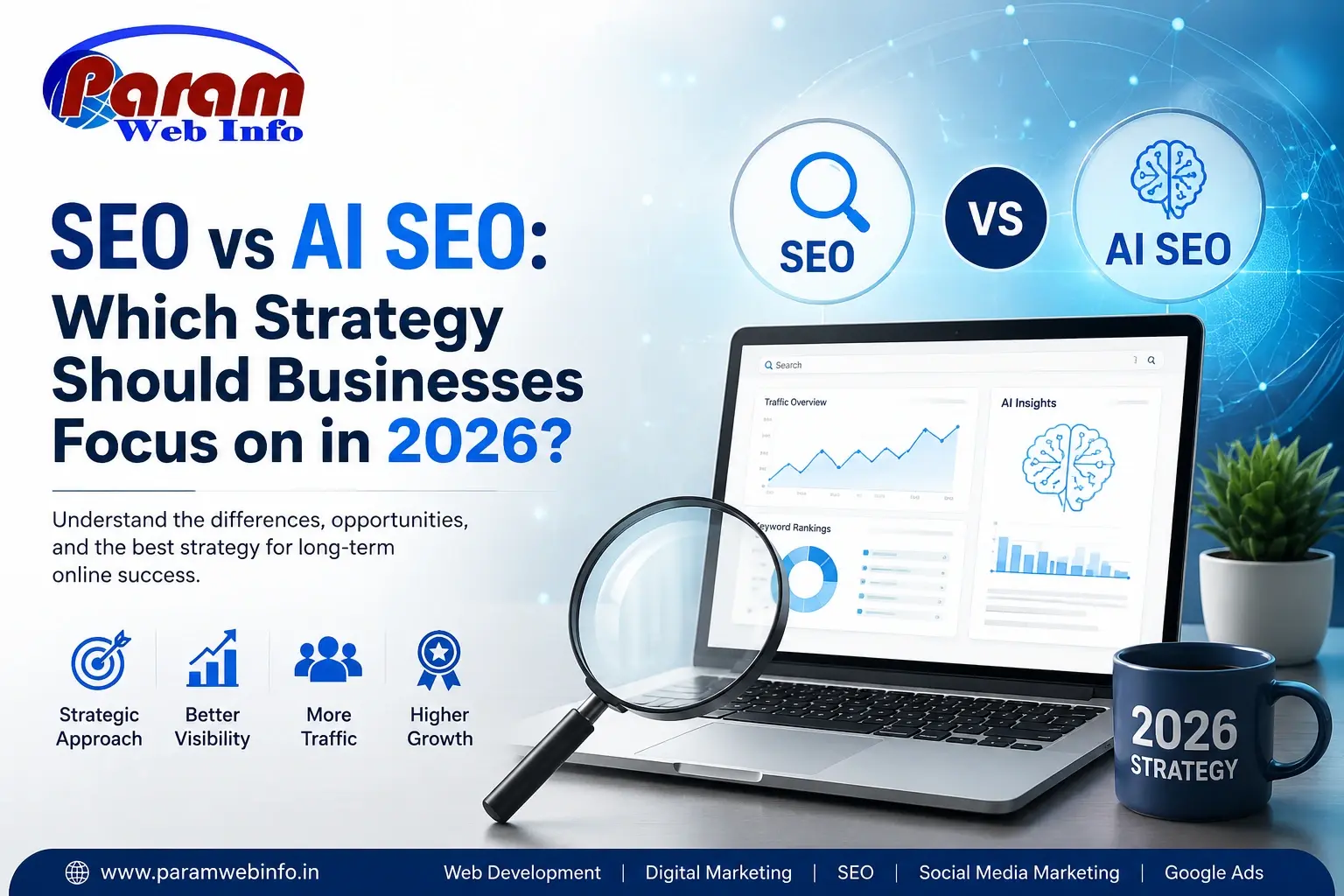
SEO vs AI SEO Which Strategy Should Businesses Focus on in 2026
SEO
Publish Date: September, 02-2026